Have you missed solitaire on your Mac?
What is Solitaire Plus?
Solitaire Plus!™ is a fully-featured Mac® solitaire game collection with convenient features not found in other solitaire games.Features
- 30 great solitaire variations including the Klondike, FreeCell, and Spider favorites
- Automatic game saving/restore including complete undo/redo history
- Large and realistic cards that fill the largest iMac's screen
- Great game play with our unique smart-dragging™ feature
- Unlimited undo/redo of moves
- Use any image on your Mac as a card back or a game background
- Game number selection option that you can use for competitions with friends
- To experience these features and more, try our free demo or purchase a copy today.


Supports Big Sur/Monterey!
Solitaire Plus! version 4.1, our latest version, is compatible with Big Sur/Monterey (macOS 11/12). New features include full support for Retina displays and the new dark mode.
If already a registered user as a direct GamesForOne customer, to obtain the
latest update see this tip.
See the detailed release history here.
Screenshots: Click the images below to see a larger version
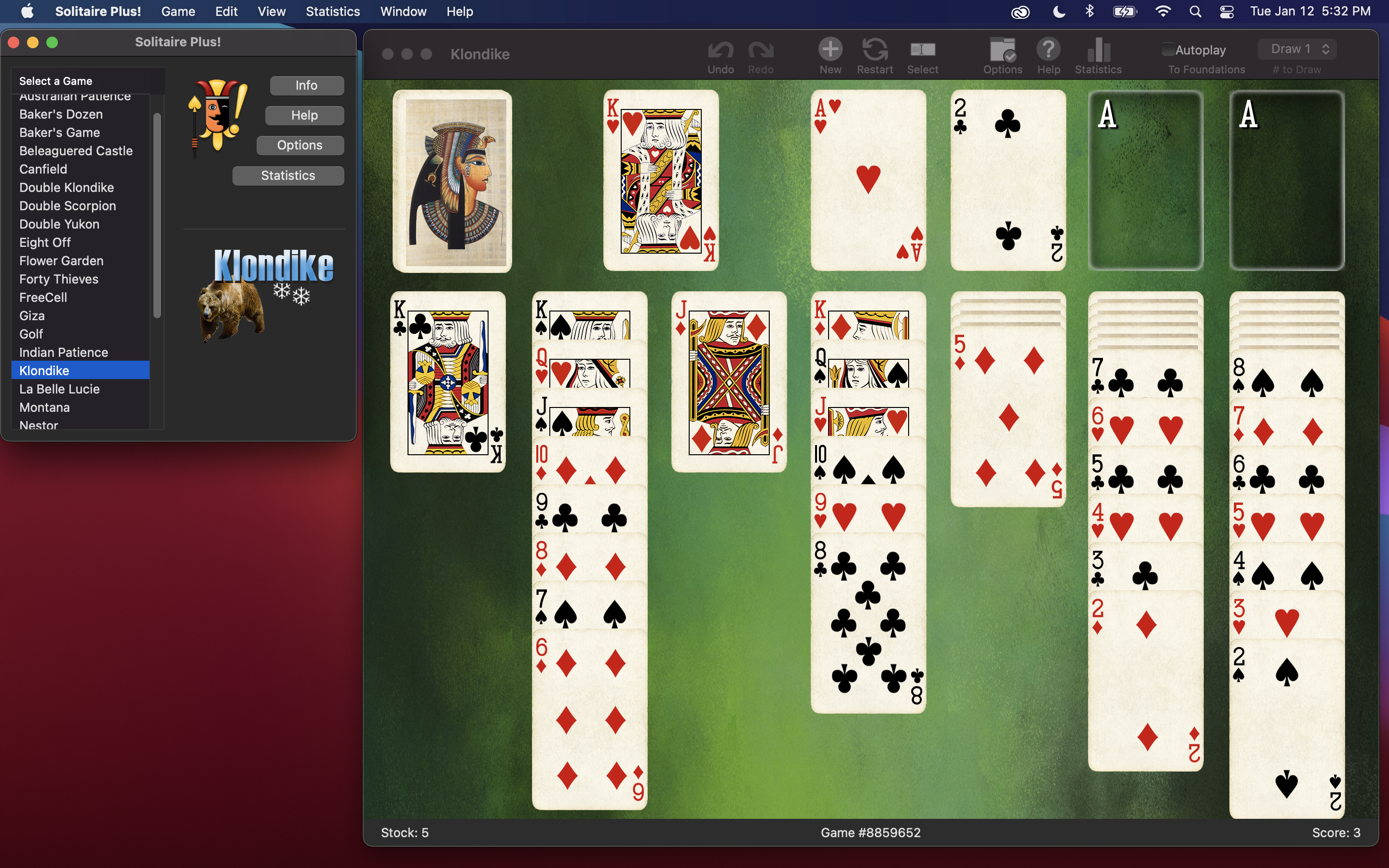
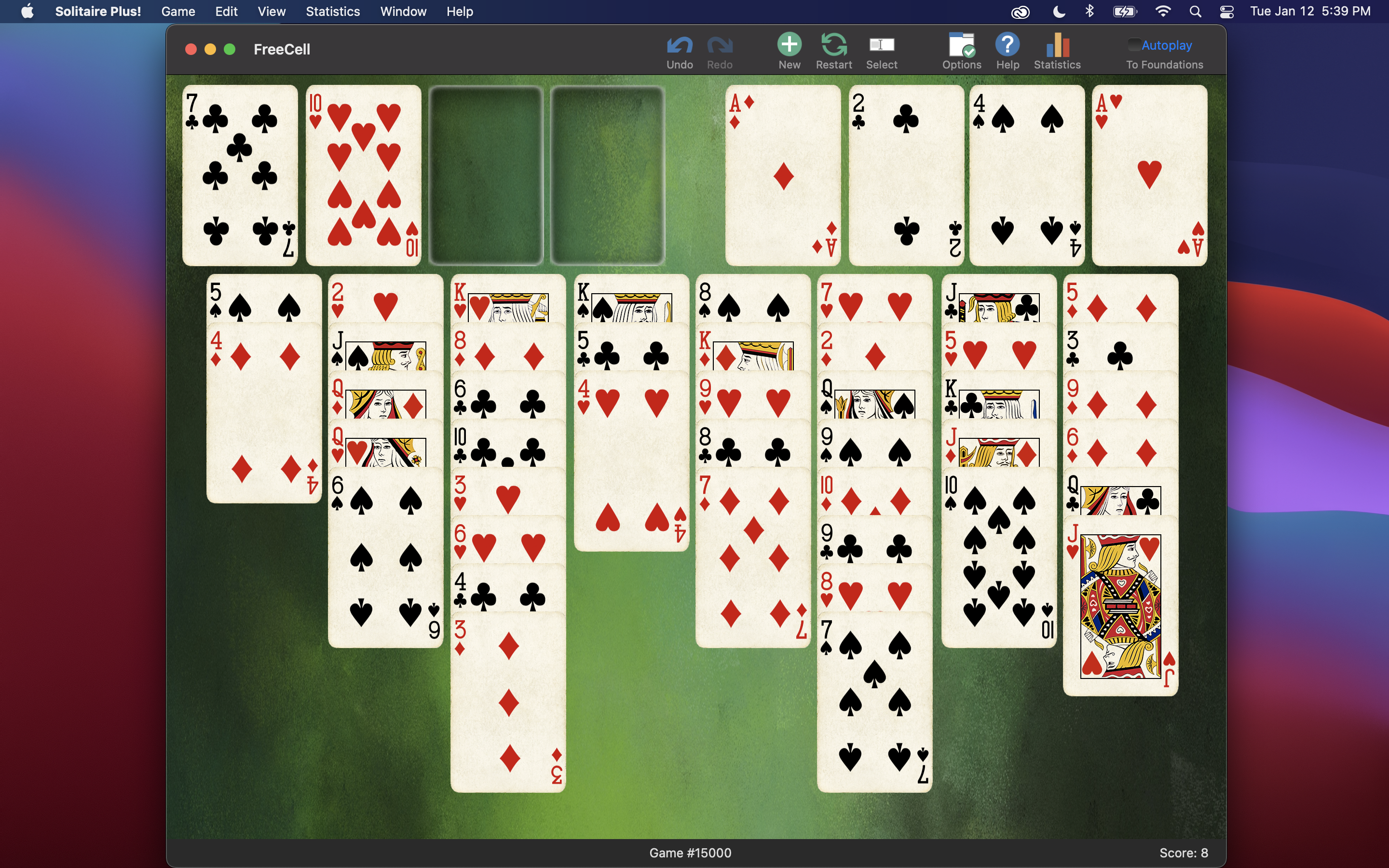
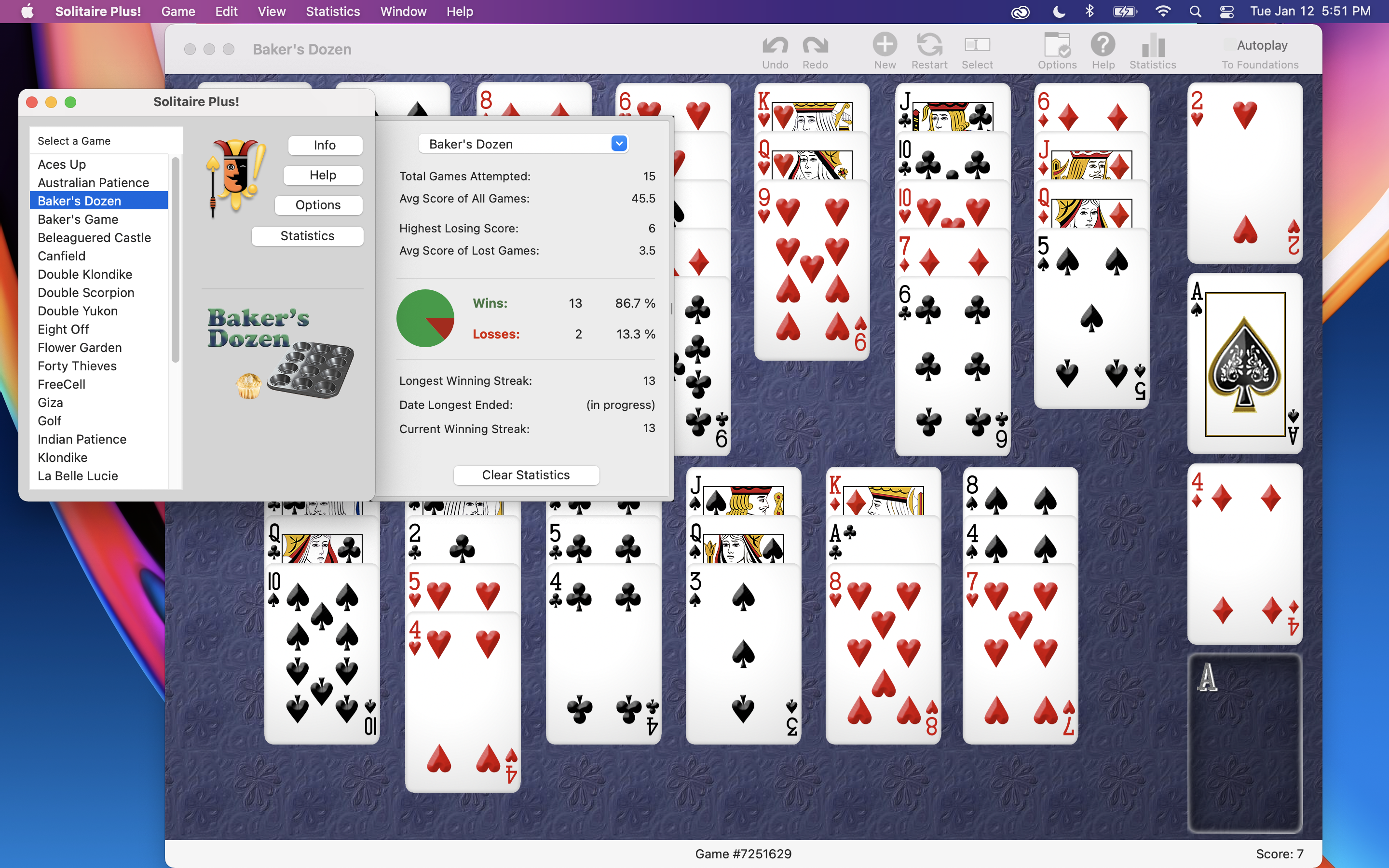
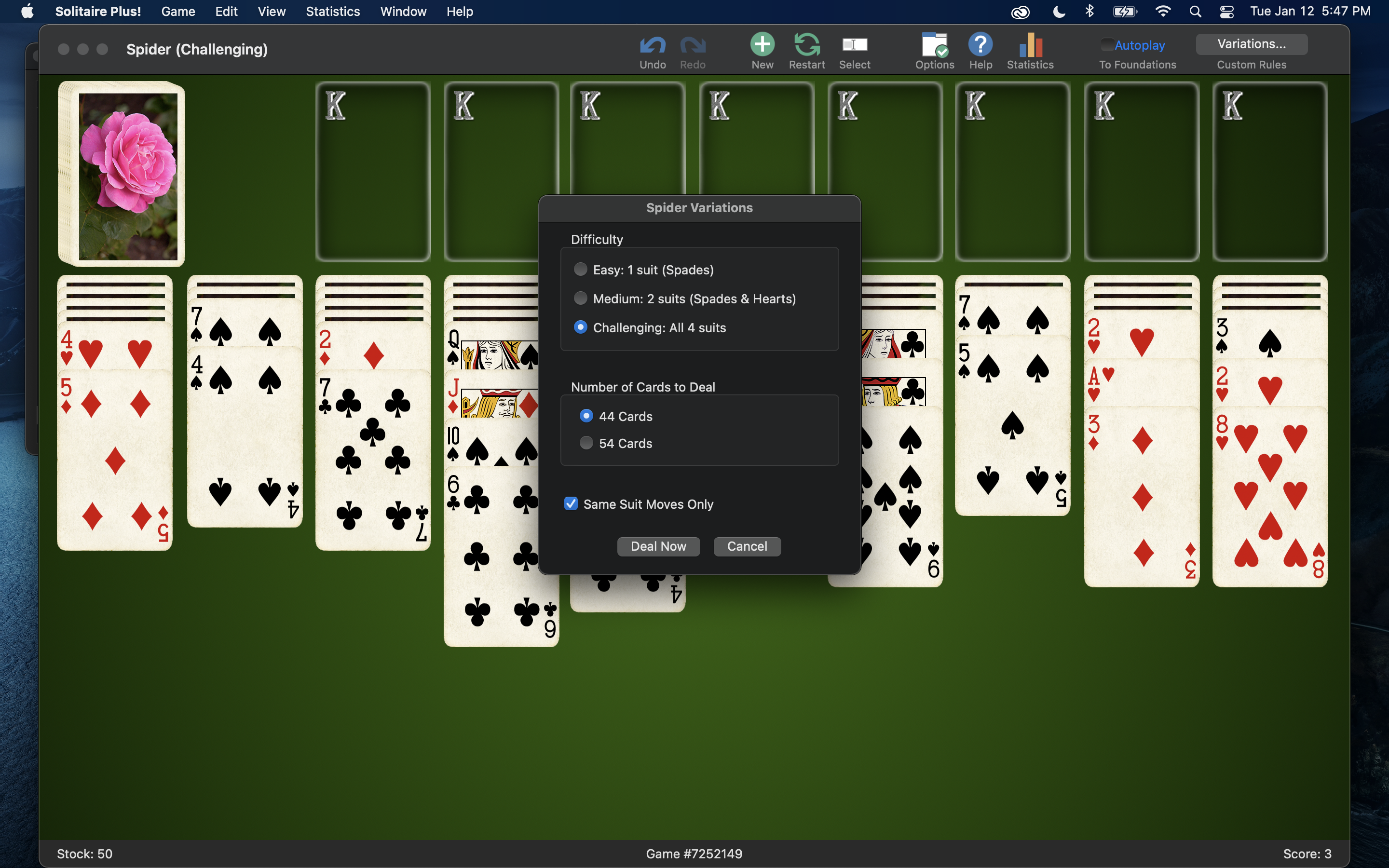
Family License
We simply ask one purchase per household.

No "Family Pack" tax!
Want to be notified of updates?

Our Design Philosophy
Our game plays "smart and fast". We made the game visually appealing, but skipped the glitzy (and often slow and tiresome) effects that can distract from the fun of a mind-puzzling game of your favorite solitaire. In short, we want our game interface to become second nature to you and generally stay out of your way.